
The Tini Express Tech Stack: How We Built Eswatini's Favourite Delivery Service - Part 1
When we first launched Tini Express, we relied heavily on Google Sheets, we did everything manually and each customer order took us at least 15 minutes to process. Fast forward to today and we have an admin app, a customer app, we process thousands of orders per year and we barely lift a finger.
What is Tini Express?
Tini Express is Eswatini's favourite delivery service. We allow consumers to place orders online from any international store (think Shein, Temu, Zara, Superbalist, Takealot, Amazon etc) and get them delivered into the country within days. We handle the purchasing, the customs admin, the cross-border logistics and the delivery.
How it works is:
- customers submit the links of the items they want to buy including any additional info (quantity, size, variant etc) 🛍️ 🔗
- a quotation is sent to them via Whatsapp with all the associated costs 📄
- they pay us 💰
- we handle the rest 📦 🚛 🇸🇿
Sounds simple, right? Well, no, not really. There's actually quite a lot that goes on in the background to keep this business running efficiently.
In this post, we'll give you a sneak peek into how we run our operations on the Tini Express Tech Stack and how it has evolved over the past three years.
Humble Beginnings
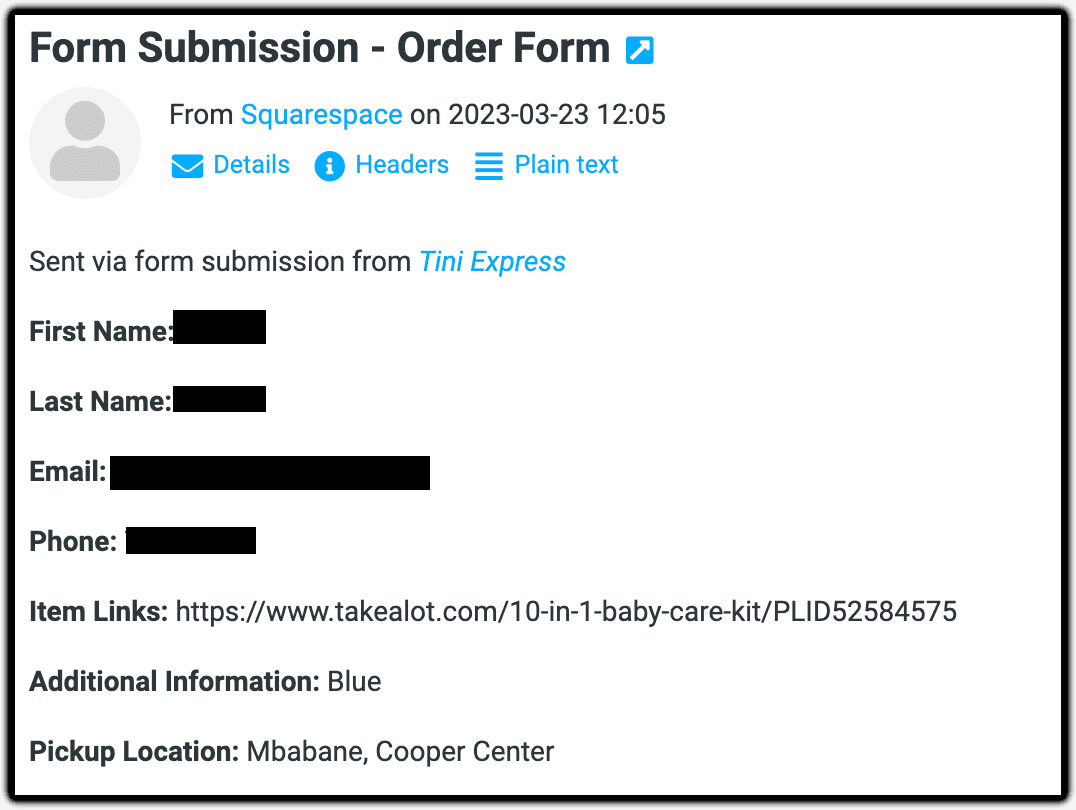
I can still remember the first order we received through our Squarespace website on Thursday, 23 March 2023, a few hours after we officially launched Tini Express 🥹.
Receiving that first order was a magical feeling 🥰; however, doing the backoffice admin to process the order was not 😫. Why? Because we were sticking true to the Paul Graham startup mantra of doing things that don't scale, and boy did things not scale in the beginning 😭.
When we started off, we just had one all-encompassing Google spreadsheet - which our entire company ran on - where we would enter all the customer and order details (including literally everything else required to run the company). Then for each order, we would open each link the customer submitted, copy the relevant details from the store's website (i.e., name, description and price), store that on Google Sheets and then manually create the quotation for the order in Google Docs, line by line.
Once the quotation was finalised, we would download it onto our laptop as a PDF, send it to the customer along with a delicately hand-crafted WhatsApp message, cross our fingers and pray to the e-commerce gods that the customer would send us the money so that we could fulfil their order 🤞🏽.
All in all, this manual process took around 15 minutes end to end for each order (on a good day 😮💨). The worst part was that despite the time and effort we had to invest for an order, it wasn't even a guarantee that it would result in a sale. But nonetheless, we did what we had to do.
Introducing Some Automation

About 18 months into the business, towards the end of 2024, our customer base grew and we started receiving even more orders. To better handle the demand, we decided to spend some time automating our - still quite primitive - internal operations. So what started off as a Google Spreadsheet, a Google Doc and WhatsApp, eventually also included:
- Google Apps Scripts to help us programmatically create the quotations from the click of a button on the Spreadsheet - using the same Google Docs template
- Zapier to integrate the Squarespace order form submissions straight into Slack, i.e., our communication headquarters - instead of the Squarespace default of email
- Twilio to send automated WhatsApp messages to our customers, using pre-configured message templates - instead of crafting each message by hand
Introducing these integrations helped speed up order processing time significantly, which, in turn, reduced the quotation and the general communication turnaround time for our customers. It also meant our operations managers could spend less time doing tedious repetitive work, and instead divert their attention to more important tasks.
At this point in time we were still heavily reliant on Google Sheets, which was just an accident waiting to happen because one wrong Delete or Backspace and all our company records could be forever lost in the abyss. In addition to this, we were onboarding more employees, and the customers and orders were continuing to grow, which, naturally, became more complicated to manage and maintain over time.
The Birth of The Internal Admin App


About 24 months into our journey, we took the next step, which was building out a fully bespoke Customer Relationship Management system (CRM), transferring, transforming and migrating all the concepts, logic and data from Google Sheets into a dedicated web application for internal admins to use.
The introduction of our bespoke admin app meant that:
- we could tailor the software specifically to our needs, exactly the way we wanted it to work.
- it was easy for us to onboard new joiners into the company because the user experience was a lot more intuitive.
- we could get more accurate data, metrics and reporting - which provided us with richer insights into our customers' shopping habits and behaviours.
- we could put the necessary validations and guardrails in place - so that we couldn't accidentally delete all our business data because we pressed the wrong button.
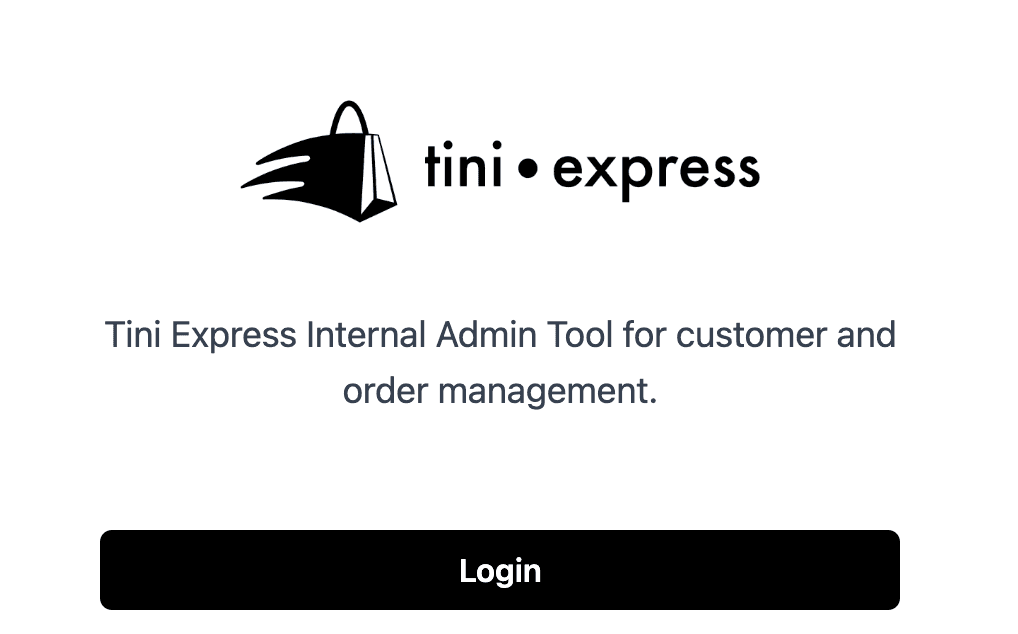
Ok so the backoffice was in a much better position now; however, at this point in time, the only way for customers to place orders with us was either by filling out an order submission form on our Squarespace website or by sending us a message directly on WhatsApp. This system worked, but it wasn't ideal.
Our Customers Deserve a New App as Well
Relying on Squarespace forms - while extremely easy to set up and super intuitive for the customer - was quite limiting, so eventually, about 33 months into our journey, when we (and our customers) were finally ready for the upgrade, we introduced the Tini Express customer web app (https://shop.tini-express.com), which allows customers to register, log in, place orders, view quotations and get order status updates on a dedicated web app.
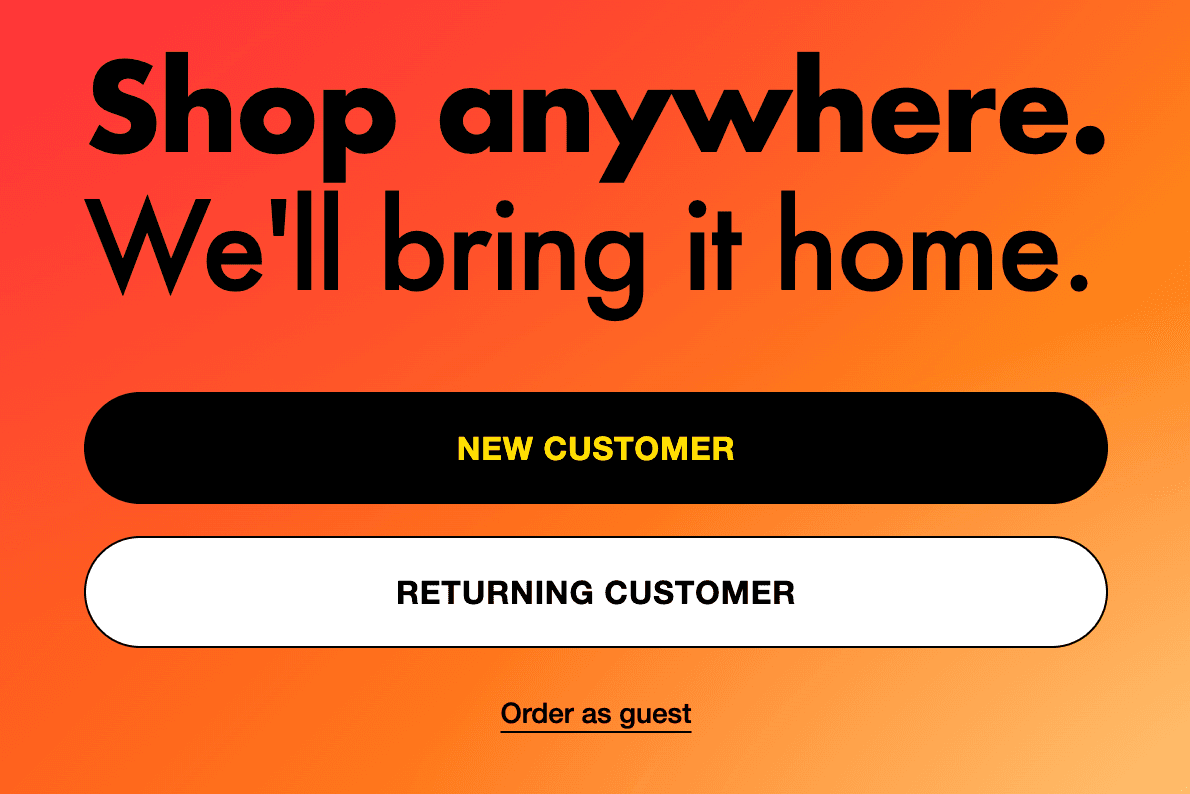
In order to ease our customers onto the new way of doing things, we moved the entire customer base across to the app over the course of 6 months. We started with a beta rollout where we only opted in our high-usage customers and gradually iterated on it using the feedback they provided us.
This meant that, for this 6-month period, we were receiving orders both on the Squarespace order form integration and via the customer web app, which obviously wasn't ideal and definitely didn't scale. However, this approach allowed us to provide our customers with the best experience, and it gave us the time and space to get our digital ducks in a row before moving everybody across to a completely new way of interacting with us.
Going All In on the New Customer App
Finally in June 2026, about 39 months into our journey, we officially turned off the Squarespace integration and now all customers use the new customer web application 🥳. We have, however, still maintained a way for customers who don't want to log in, to order as "guests" - which is very similar to the Squarespace order form that they grew to love and cherish.
In addition to improving the overall user experience for our customers, this move also opened us up to a whole new world of customisations, automations and integrations.
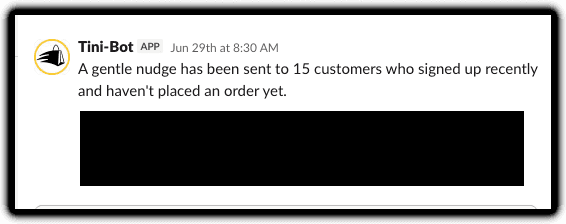
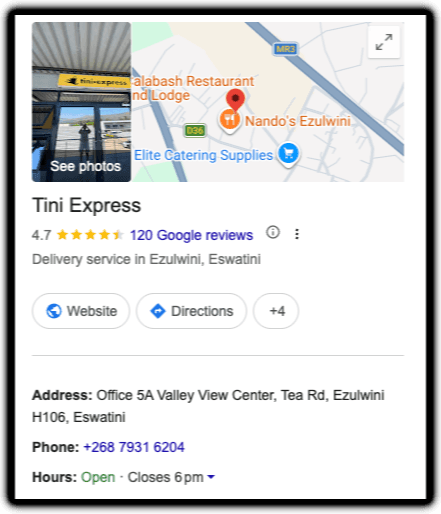
So over the course of three years, what started off as a manual operation, processing a few orders by hand per month, has now evolved into a maturing tech stack that processes thousands of orders per year, with daily user sign-ups - and a great overall customer experience (we've got 4.7 stars on Google okay 💅🏽).
Up until now, we proudly and confidently did things that did not scale, and not just because it was popular startup advice, it's because:
- we were still validating our business idea.
- we had constraints on our finances and our capacity.
- we needed to first run the business and understand the business before automating the business - we wanted to avoid prematurely optimising processes that we didn't fully understand as that would have just been a waste of time, effort and money.
Ok that's it for now, we hope you enjoyed learning about our evolving tech stack. In part 2 we will dive deeper into our high-level architecture, and we'll briefly explain the reasoning behind why we went with each technology choice.